
Jewelry CAD Software: Top Types & Best Tools Explained
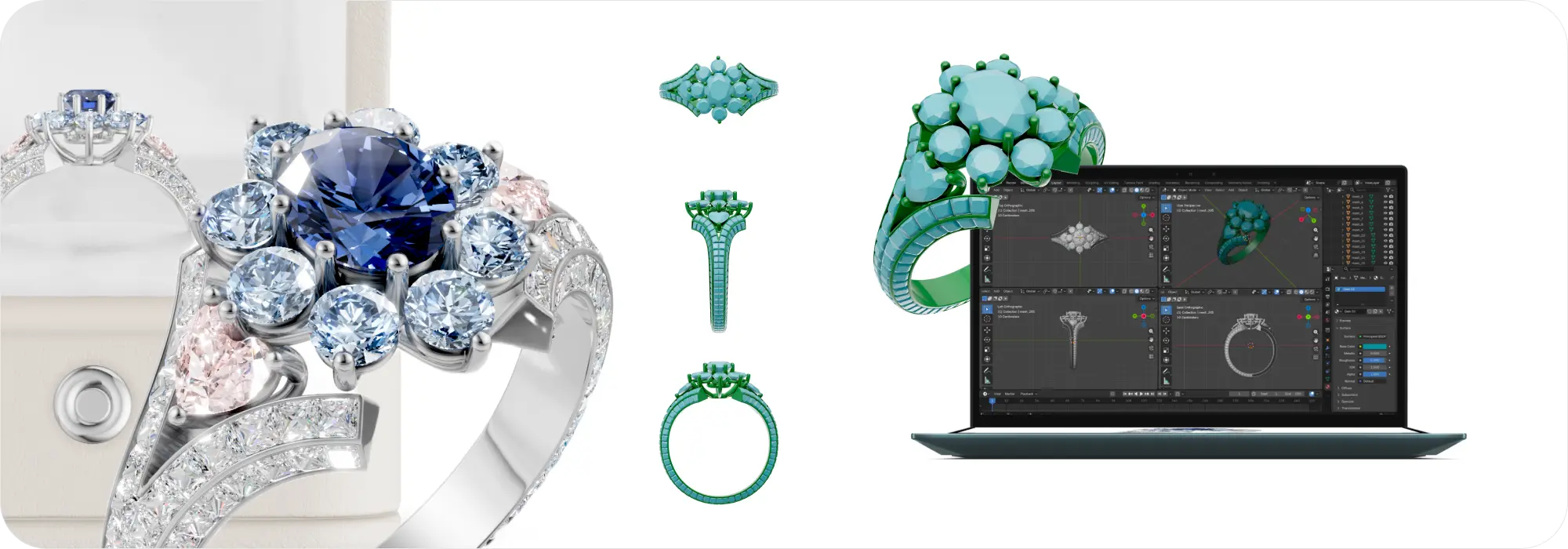
Jewelry design has changed dramatically with the rise of 3D technology. Today, 3D modeling software gives businesses the power to create, customize, and showcase jewelry with far more accuracy than traditional methods. This guide breaks down the main types of jewelry CAD software and how each one supports faster design, production, and sales.
What Is Jewelry 3D Modeling Software?
Jewelry 3D modeling software is a digital tool used to create virtual models of rings, pendants, bracelets, earrings, and other fine jewelry. Think of it like a digital workshop where ideas turn into detailed, build-ready designs. These programs let you model shapes, set stones, add textures, and create exact measurements. Most jewelry CAD design tools also support realistic rendering and manufacturing outputs like STL files. In short, they help designers develop pieces faster, reduce errors, and deliver highly accurate models for clients, manufacturers, and online stores.
Why Jewelry Businesses Use 3D Modeling Tools
3D software for jewelry design has become essential in modern workflows. It allows businesses to design with precision, experiment freely, and make fast revisions without wasting materials. With accurate digital models, you can move from concept to prototype to final casting much faster than traditional sketching or hand carving. These tools also help improve customer experience by giving buyers a clear view of what the final piece will look like.
For a deeper look at how 3D software streamlines design and production, explore the Benefits of 3D software.
Key Features to Look for in Jewelry 3D Software
Precision Modeling Tools
Good software should allow exact control over measurements, thickness, stone seats, prongs, and tolerances. Precision is the backbone of manufacturing-ready designs.
Parametric & History-Based Modeling
This feature works like a digital memory. It stores each design step so you can adjust dimensions or stone sizes instantly without starting from scratch.
Stone Setting Tools
Look for libraries of standard stone shapes, automatic prong placement, pave arrays, channel settings, and custom stone seat creation.
Rendering & Visualization
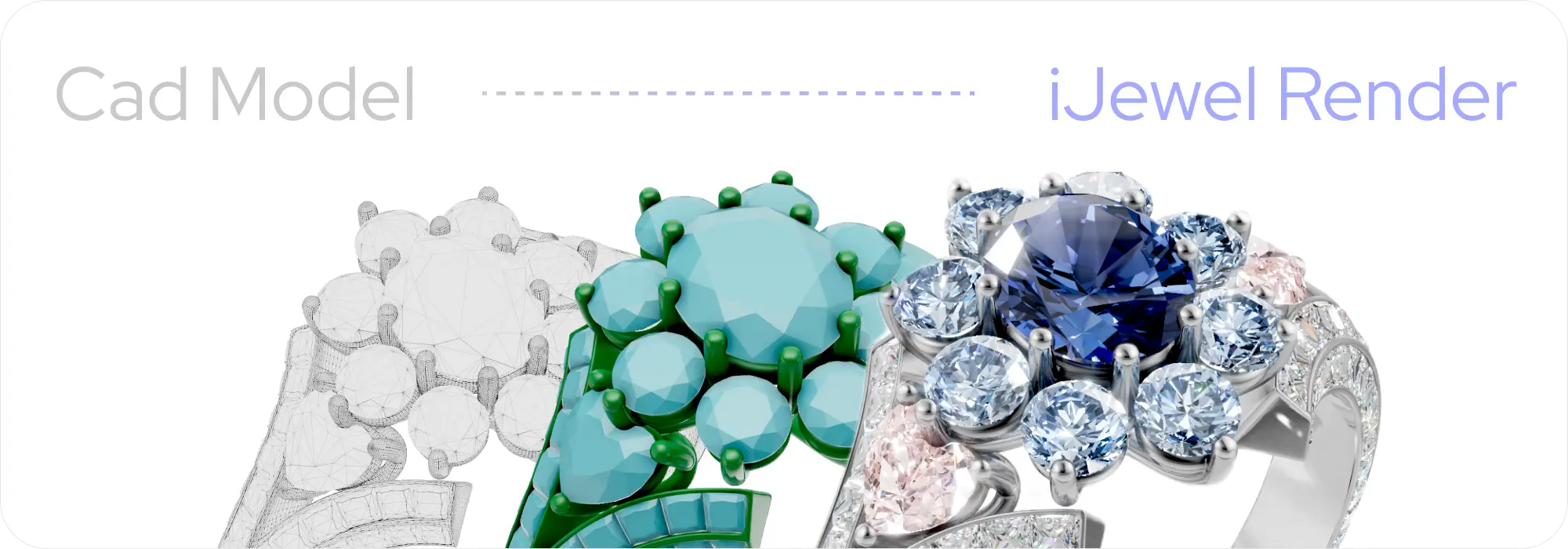
High-quality rendering lets customers see the piece in lifelike detail. Learn more about why visualization matters in this guide on 3D visualization benefits.
File Export Formats for Manufacturing
STL, OBJ, 3DM, and STEP support smooth collaboration with casting houses, CNC teams, and 3D printing partners.
Compatibility With 3D Printing & Casting
The software must produce watertight, clean meshes that print without errors.
AR/VR & Customer Visualization Features
Some tools now include AR try-on and interactive 3D viewers for websites. These features allow customers to rotate, zoom, and preview jewelry as if holding it in their hands. For more on how interactive experiences impact sales, see 3D interactive solutions.
Types of Jewelry 3D Modeling Software
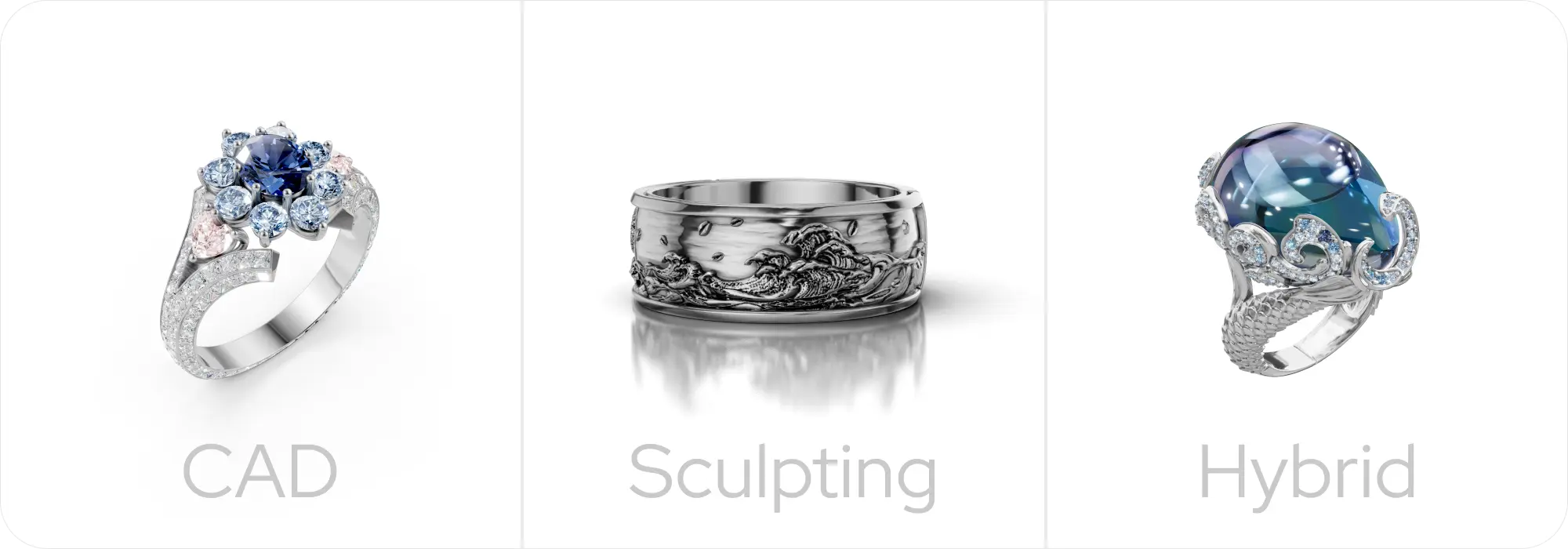
CAD-Based Jewelry Software
These tools focus on engineering-grade precision, ideal for rings, settings, and manufacturing. They are the backbone of most jewelry workflows.
Sculpting-Based Jewelry Software
Great for organic shapes like flowers, animals, and unique patterns. Sculpting software mimics clay modeling, giving artists full creative freedom.
Hybrid Modeling Software
These tools combine CAD accuracy with sculpting flexibility, perfect for both mechanical and artistic designs.
Cloud-Based Jewelry Design Platforms
Browser-based tools provide collaboration, remote access, and easy sharing. They're becoming essential for teams working across locations. A helpful resource here is the iJewel Design overview.
AR/VR-Integrated Jewelry Modeling Solutions
These platforms connect modeling with digital customer experiences like AR try-on and virtual showrooms. Businesses use them to boost online engagement and reduce returns.
Best CAD-Based Jewelry Modeling Software
Rhino + MatrixGold
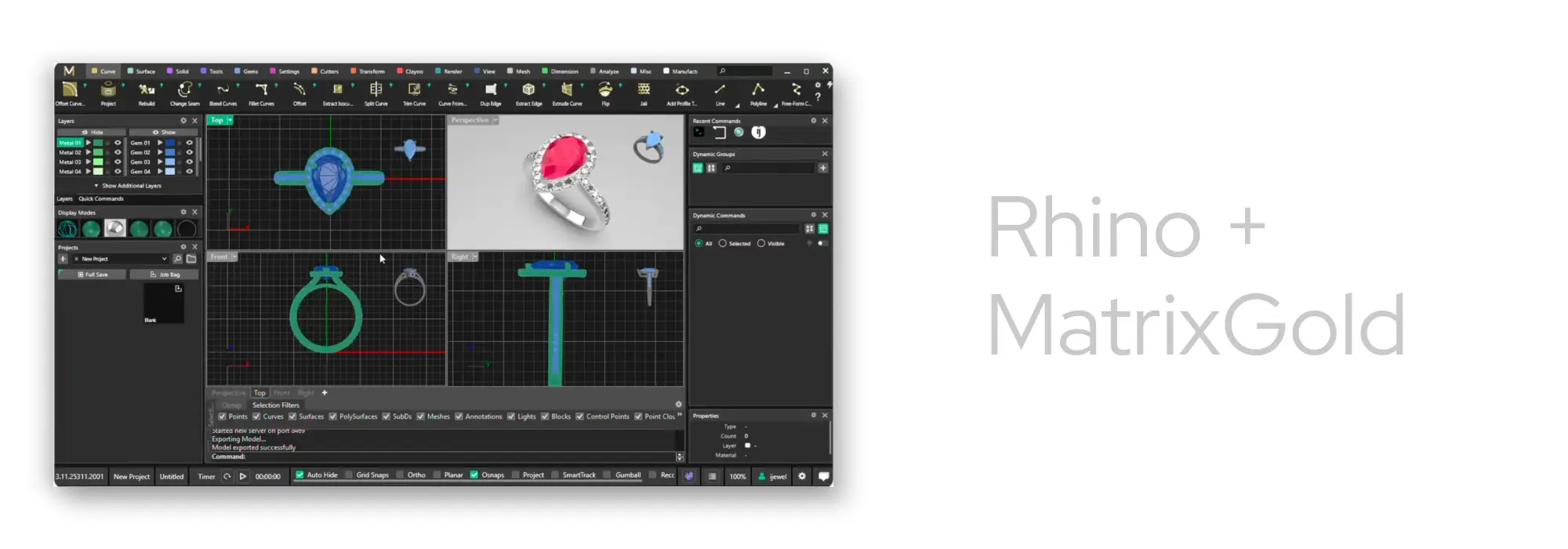
This combination offers unmatched flexibility, especially with plugins built specifically for jewelers. Many businesses enhance this workflow using tools like the iJewel + Rhino workflow, which speeds up visualization and customer presentations.
JewelCAD
Known for its user-friendly interface and lightning-fast modeling speed. Ideal for beginners and experienced designers who prefer a simpler toolset.
3Design CAD
A parametric jewelry CAD software with strong rendering features. 3Design is particularly valued for its intuitive interface and comprehensive stone-setting tools. Great for teams that require consistent production standards.
Firestorm CAD
Popular among small jewelry studios for its sculpting-CAD hybrid approach, offering both precision tools and artistic features.
JewelBeetle
An innovative design tool that combines ease of use with professional capabilities, making it accessible for both newcomers and experienced jewelry designers.
TinkerCAD (Entry Level for Beginners)
While basic, TinkerCAD is an excellent starting point for learning 3D modeling concepts before upgrading to advanced tools.
Best Sculpting & Artistic Modeling Software
ZBrush
Considered the gold standard of digital sculpting. ZBrush lets you push, pull, carve, and smooth shapes like virtual clay—ideal for organic and intricate patterns. Its powerful detailing capabilities make it the top choice for artistic jewelry design.
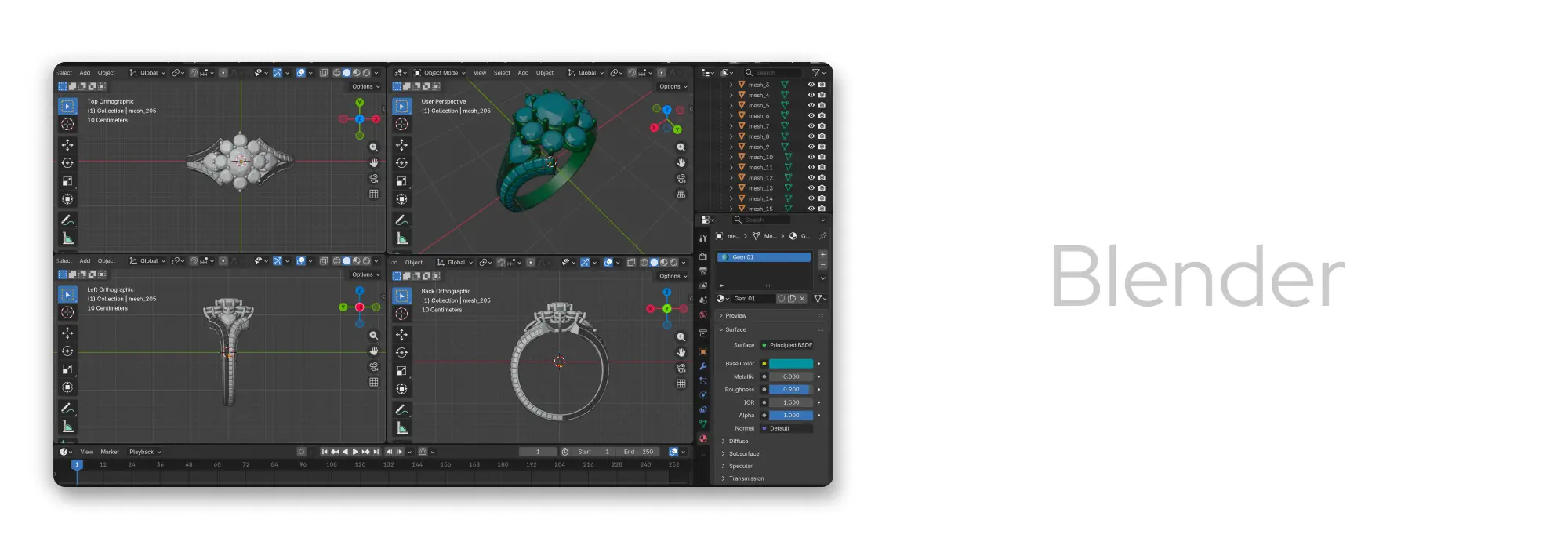
Blender
A free, open-source option with powerful sculpting, modeling, and rendering tools. Blender requires learning time but offers tremendous capability at zero cost, making it popular among independent designers.
Modo
A versatile modeling and sculpting platform known for its intuitive workflow and excellent rendering capabilities. Modo balances artistic freedom with technical precision, making it ideal for jewelry designers who work on both organic and structured pieces.
Mudbox
A simpler sculpting platform developed by Autodesk. It works well for artists who want an intuitive sculpting environment without ZBrush's learning curve.
Maya
While traditionally used in animation and entertainment, Maya offers robust modeling and sculpting tools that some jewelry designers use for complex, artistic pieces requiring advanced surface control.
Cinema4D
Known for its user-friendly interface and powerful rendering engine, Cinema4D is excellent for creating highly detailed jewelry visualizations and animations for marketing materials.
These sculpting tools shine when designing artistic, nature-inspired, or highly detailed jewelry that traditional CAD struggles to express.
Best Hybrid & Cloud-Based Jewelry Modeling Tools
Fusion 360
Blends parametric modeling with sculpting features. Excellent for designers who want engineering precision with organic shaping tools.
SolidWorks
A trusted engineering platform known for accuracy and strong parametric control. Ideal for mechanical-heavy pieces or complex assemblies.
Cloud-Based SaaS Design Platforms
These tools focus on collaboration, fast rendering, and easy sharing with clients. Many offer web-based viewers and team dashboards. Learn more in the iJewel Design overview.
Browser-Based Collaboration Tools
These platforms allow teams to comment, mark changes, and share models online—no installation needed. Perfect for remote teams and fast-paced workflows. Solutions like Design gold offer streamlined cloud-based jewelry design capabilities for modern businesses.
Comparison: CAD vs. Sculpting vs. Hybrid Tools
| Criteria | CAD Tools | Sculpting Tools | Hybrid Tools |
|---|---|---|---|
| Ease of Use | Steeper learning curve but provides structured, guided workflows. | Feels natural and intuitive but requires strong artistic skills. | Balanced experience with both structure and creativity. |
| Design Precision | Highest precision for exact measurements and manufacturing specs. | Lower precision unless paired with CAD refinement. | Strong precision with added flexibility from sculpting tools. |
| Organic Modeling Capability | Limited for organic, flowing shapes; can feel rigid. | Excellent for detailed, natural, artistic forms. | Great mix—handles organic shapes while maintaining accuracy. |
| Manufacturing Compatibility | Produces clean, watertight geometry ideal for casting and printing. | Often requires mesh cleanup before manufacturing. | Generally reliable for manufacturing with fewer cleanup steps. |
| Cost & Licensing | Typically higher cost due to professional-grade features. | Many options are free or low-cost (e.g., Blender). | Pricing varies widely depending on software tier and features. |
Frequently Asked Questions (FAQ)
Which 3D software is best for beginners in jewelry design?
TinkerCAD, JewelCAD, and Blender are great starting points. They offer simple tools to help beginners understand basic modeling before moving into advanced jewelry CAD software.
Can I use free tools like Blender for jewelry modeling?
Yes. Blender is powerful enough for both sculpting and modeling. Many jewelers use it to create organic shapes or practice 3D design skills. It may require add-ons or cleanup for manufacturing.
What software is ideal for manufacturing-ready STL files?
Rhino, MatrixGold, 3Design, and Fusion 360 are excellent choices. They offer precision modeling, tolerance controls, and clean geometry that works well with 3D printing and casting services.
Is sculpting software suitable for fine jewelry detailing?
Absolutely—if your design needs artistic, flowing shapes. Sculpting tools shine when designing nature-inspired jewelry, engravings, and texture-rich pieces.
How do CAD tools integrate with 3D printing?
Most jewelry CAD design tools support export formats like STL and OBJ. These files go directly into slicing software for resin printers. Good CAD models ensure smooth printing and clean casting results.