
Animations
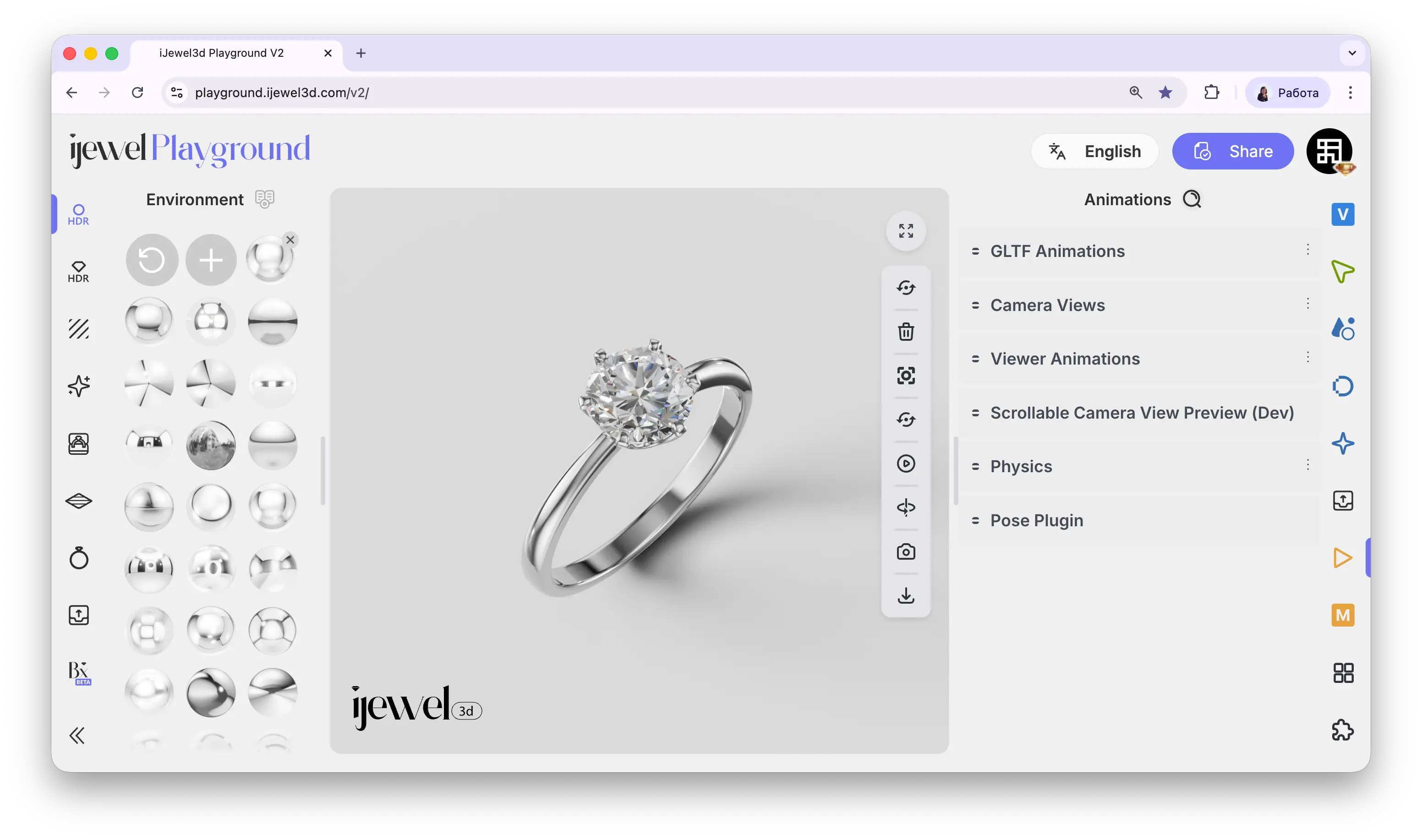
The Animations tab provides tools for controlling all types of motion in your scene — imported glTF animation playback, camera path transitions, scroll-driven interactions, physics simulations, and object posing.
Where to Find It
This section is located on the right panel, accessible via the  Animations tab.
Sections
glTF AnimationPlayback of animations embedded in your glTF/GLB fileCamera ViewsSave camera positions and animate transitions between themViewer AnimationsCreate dynamic scenes by combining environment, lighting, and post-processing animationsScrollable Camera Views PreviewScroll-driven camera transitions for product landing pagesPhysicsGravity, collisions, and gyroscope-driven motion for realistic interactions
Related Pages
- Export Videos — Export animations as video files
- Post Processing — Visual effects applied to your renders