
Ring Configurator in iJewel3D
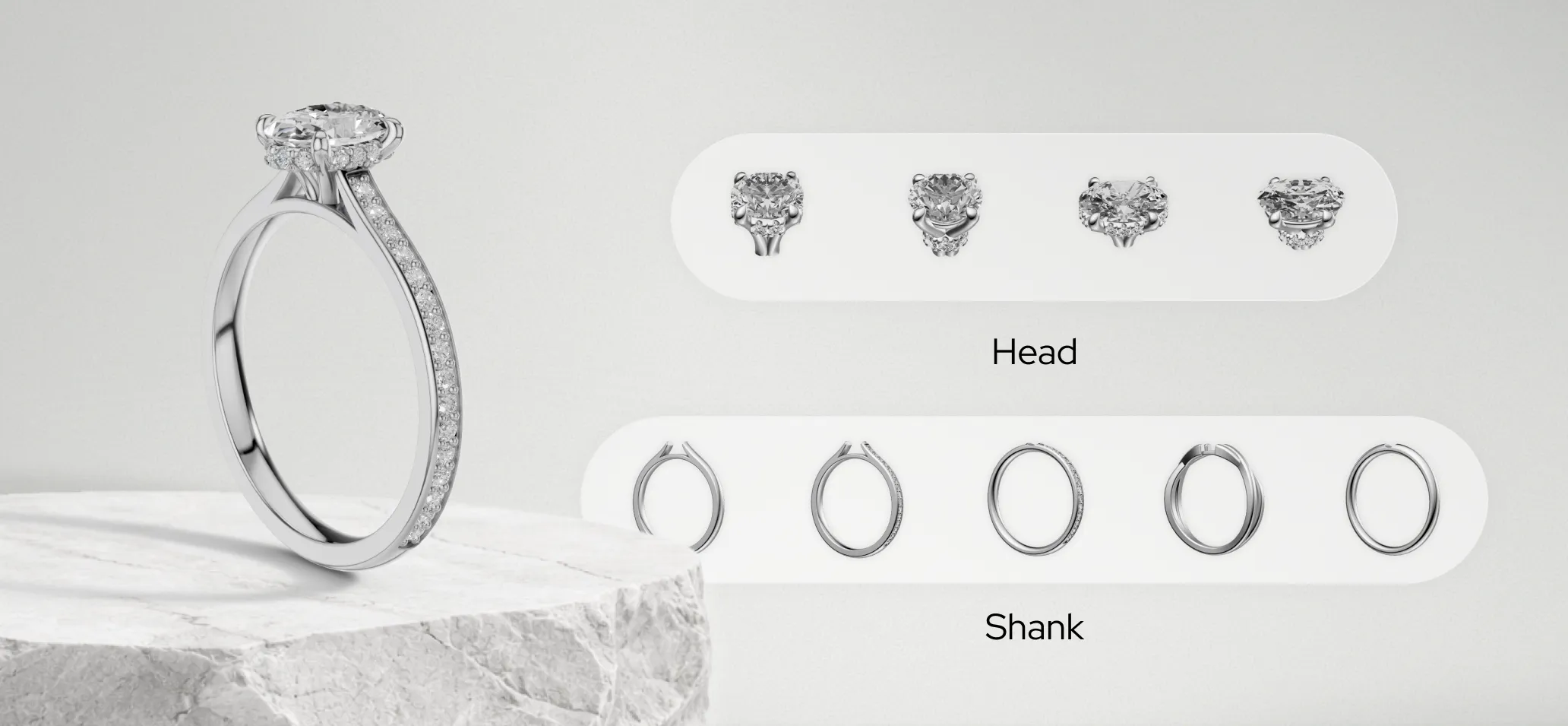
iJewel3D Ring Configurator is a powerful tool that lets you create interactive, customizable ring configurators for your jewelry business. By combining modular ring components (heads and shanks), customers can explore hundreds of ring variations in real-time 3D choosing diamond shapes, carat sizes, shank styles, and materials.
Whether you want to embed a configurator on your website, share it directly with customers, or self-host it on your own server, Ring Configurator makes it simple.
How It Works
Ring Configurator uses a modular approach: instead of modeling every ring variation, you create separate Head and Shank components that iJewel combines dynamically. This means fewer 3D files to manage and endless possibilities for your customers.
Getting Started
Follow these three steps to set up your Ring Configurator:
1. Prepare 3D Models
Learn how to prepare your ring components, assign proper layers, and set up anchor points for automatic alignment.
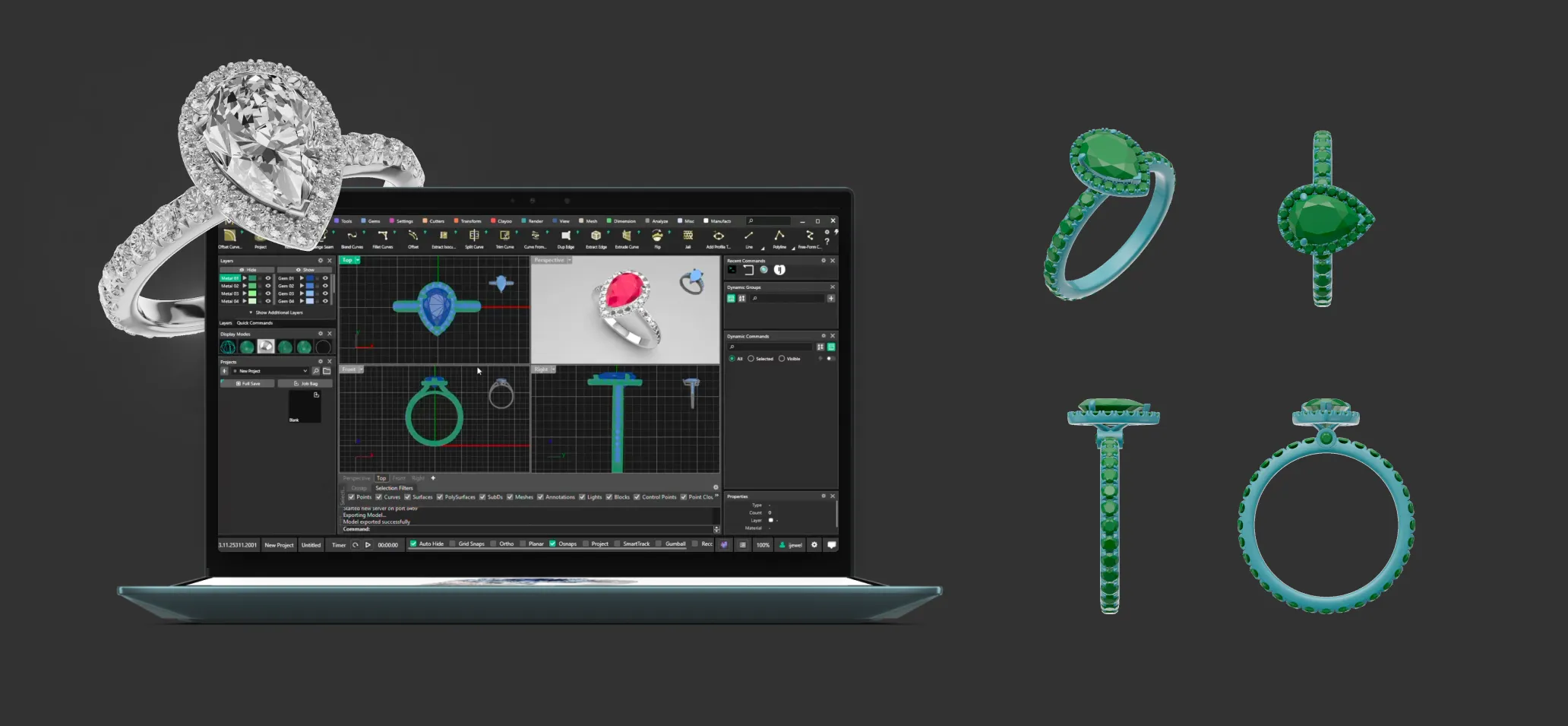
What you'll learn:
- Separating rings into Head and Shank components
- Creating variations (prong counts, diamond shapes, shank styles)
- Setting up anchor-based auto placement
- Naming conventions and layer assignment in Rhino
2. Set Up in iJewel3D Platform
Upload your components to the iJewel3D platform and configure your Ring Configurator with variations, materials, and settings.
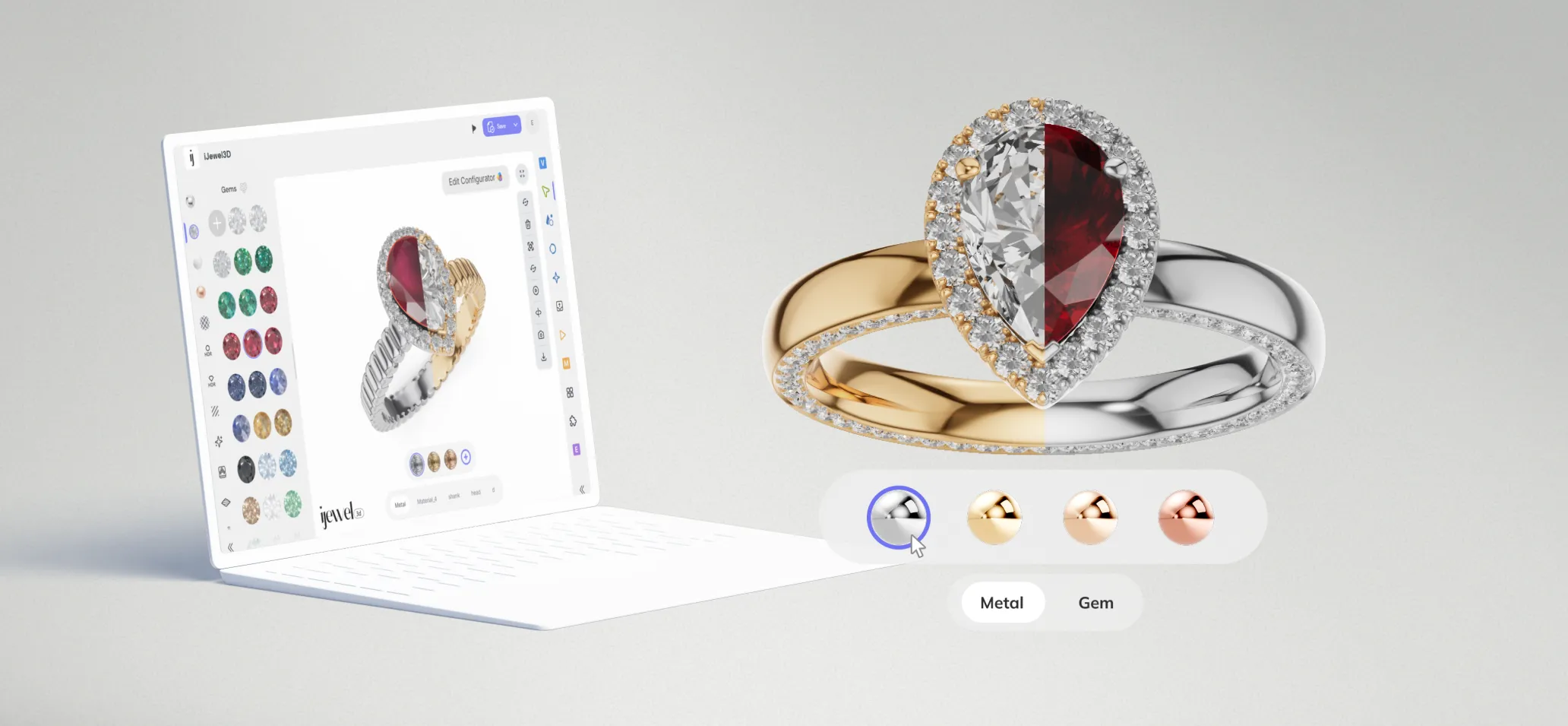
What you'll learn:
- Uploading and syncing 3D files
- Configuring head and shank variations
- Setting up materials and finishes
- Organizing your component library
3. Share, Embed, or Self-Host
Deploy your Ring Configurator to reach customers embed it on your website, share direct links, or use templates for self-hosting.
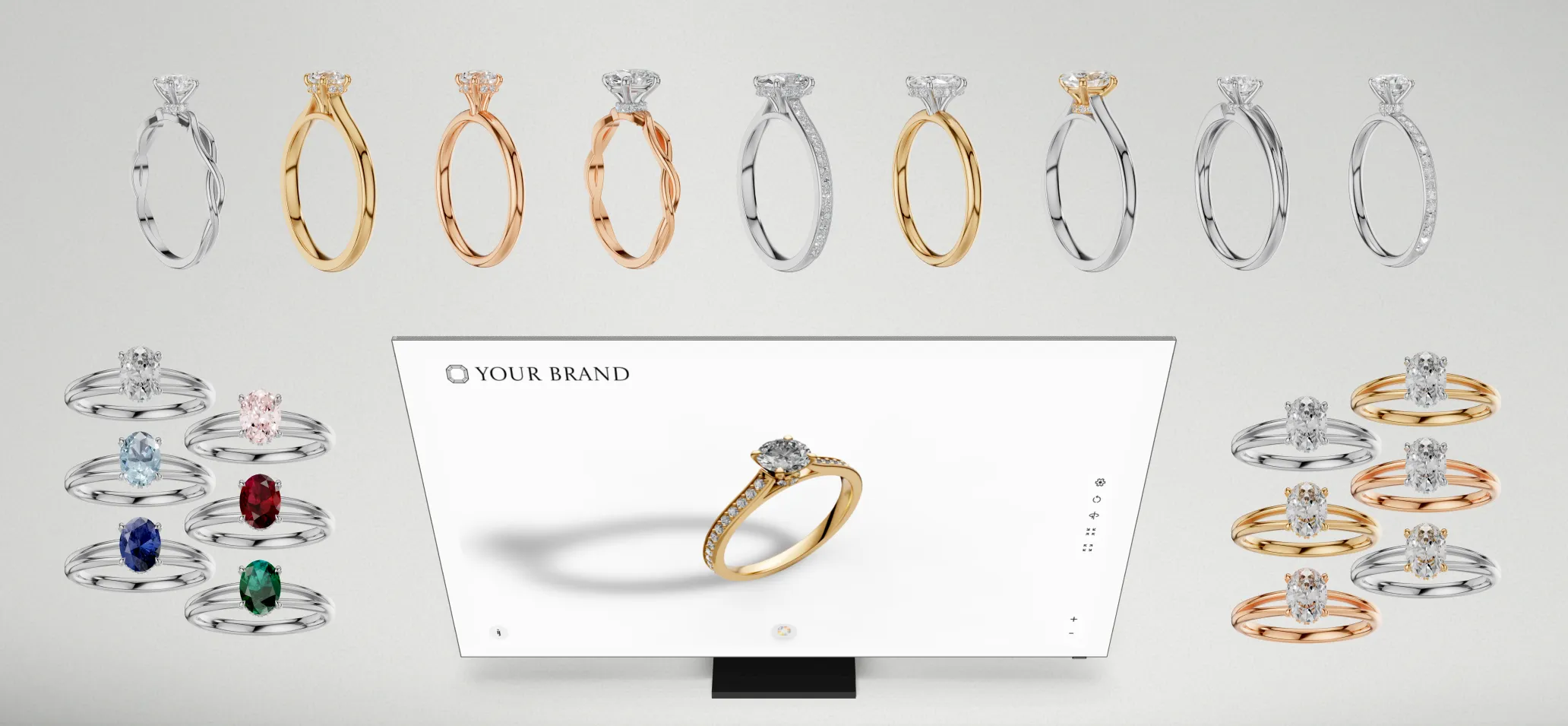
What you'll learn:
- Embedding the configurator on your website
- Sharing direct links with customers
- Using ready-made templates
- Self-hosting options for full control