
Quick Start
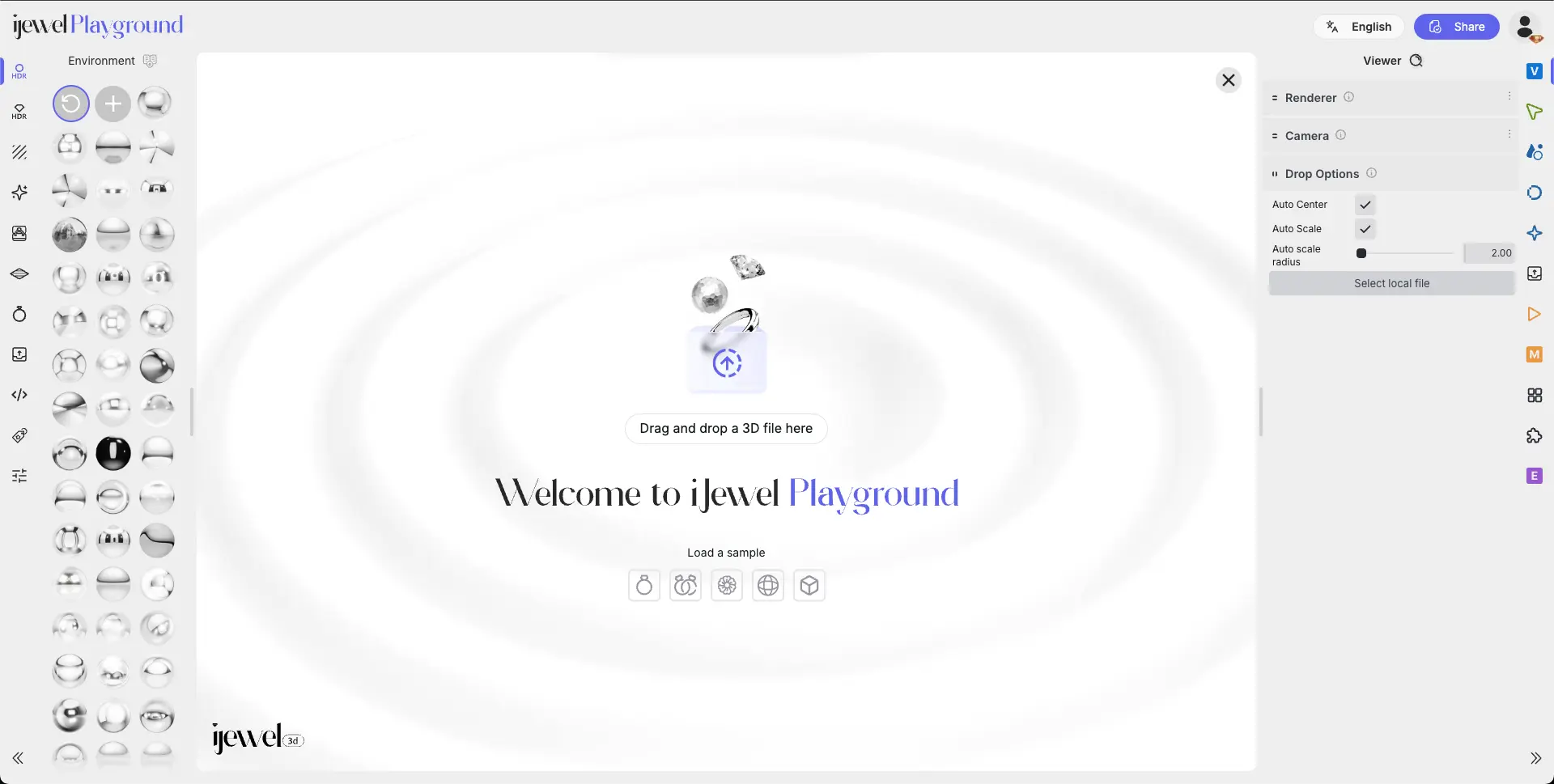
To quickly create a realistic render and get a felling of the workflow in iJewel Playground, follow these simple steps:
- Pick one of the sample models
- Apply materials from metal, diamond, gem, and PBR presets, or customize your own.
- Choose HDR lighting for a realistic environment reflection and mood.
- Configure the scene Backgrounds, ground reflections, shadows, and camera setups.
- Adjust Post processing Apply filters such as reflections, bloom, tone-mapping, ambient occlusion and more.
- Export & share Download images, videos, or scene presets to showcase your work.
Here is a Quick Introduction Video